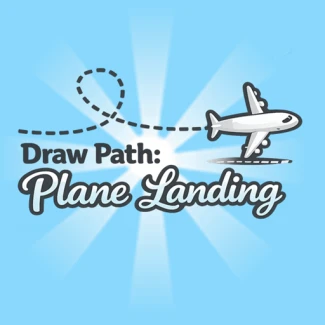
Draw Path: Plane Landing
To play Draw Path: Plane Landing, use your mouse to draw paths for the planes. Click and drag to create a line leading to the runway. Ensure the paths avoid obstacles and do not intersect with other planes. For mobile users, use your finger to draw the paths on the screen.
What is Draw Path: Plane Landing?
Draw Path: Plane Landing is an engaging online game where players draw flight paths to guide planes safely to the runway. It combines fun puzzles with strategic air traffic control, ensuring no crashes occur.
Gameplay & Features
In this free browser game, you will navigate various levels, each presenting unique challenges and obstacles. The goal is to ensure that each plane lands smoothly by plotting the correct course. Enjoy this cool and addictive airport simulation that you can play now, even at school.
Related & Series Games
If you enjoy Draw Path: Plane Landing, you might also like these fun games: Draw Climber, Moto X3M Spooky Land, Draw Brige Puzzle, Draw The Hill, Path to Goal, and Plants vs Zombies. Each game offers unique mechanics and challenges to keep you entertained.
Tips & Strategies
To master Draw Path: Plane Landing, carefully observe the flight patterns of each plane and plan your paths accordingly. Make use of power-ups to enhance your gameplay and avoid obstacles that may cause crashes.
Game Elements
- Planes: The main characters that players must guide to safety.
- Runways: The landing zones where planes must touch down successfully.
- Obstacles: Various barriers and challenges that must be avoided to ensure safe landings.
- Levels: Different maps that introduce new challenges and increase difficulty.
FAQ
Is Draw Path: Plane Landing free to play?
Yes, you can play Draw Path: Plane Landing for free online without any downloads.
Can I play this game in my browser?
Absolutely! Draw Path: Plane Landing is designed to be played in any modern web browser.
Is it suitable for school?
This game is unblocked and can be played in school as a fun and educational activity.