Dashmetry
Use arrow keys or WASD to navigate your shape. Press space to jump. On mobile, tap the screen to jump and swipe to navigate.
What is Dashmetry?
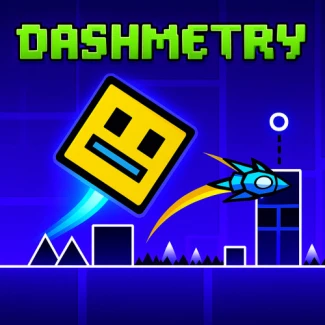
Dashmetry is an exhilarating online browser game where players navigate through a vibrant world filled with rhythmic obstacles and challenges. The game features geometric shapes that come alive as players guide them through a series of engaging levels, making each moment pulse with excitement.
Gameplay & Features
In Dashmetry, players must time their jumps and movements to overcome various hazards that sync with the beat of the music. The game is designed to be fun and addictive, offering a free and unblocked experience perfect for school or home. With cool graphics and dynamic gameplay, players can immerse themselves in this fast-paced adventure.
Related & Series Games
If you enjoy Dashmetry, you might also like these related games: Geometry Dash Lite, Geometry Dash Scratch, Geometry Dash, Geometry Dash World, Wave Dash, and Geometry Dash: Fire And Water. Each game offers unique challenges and exciting gameplay elements that will keep you entertained.
Tips & Strategies
To excel in Dashmetry, practice your timing and learn the patterns of obstacles. Keep an eye on the beat to anticipate movements and use power-ups wisely to gain an edge.
Game Elements
- Obstacles: Spikes and shifting walls create challenging barriers to navigate.
- Characters: Players control geometric shapes like squares, triangles, and circles, each with unique abilities.
- Collectibles: Gather coins and power-ups to enhance your gameplay experience.
- Environment: Dynamic platforms and maps that change with the rhythm add excitement to each level.
- Thematic Items: Neon-lit visuals and pulsing barriers contribute to the vibrant atmosphere of the game.
FAQ
Is Dashmetry free to play?
Yes, Dashmetry is completely free to play online.
Do I need to download anything to play?
No, you can enjoy Dashmetry directly in your browser without any downloads.
Is Dashmetry compatible with all browsers?
Yes, Dashmetry is designed to work seamlessly across all major web browsers.